
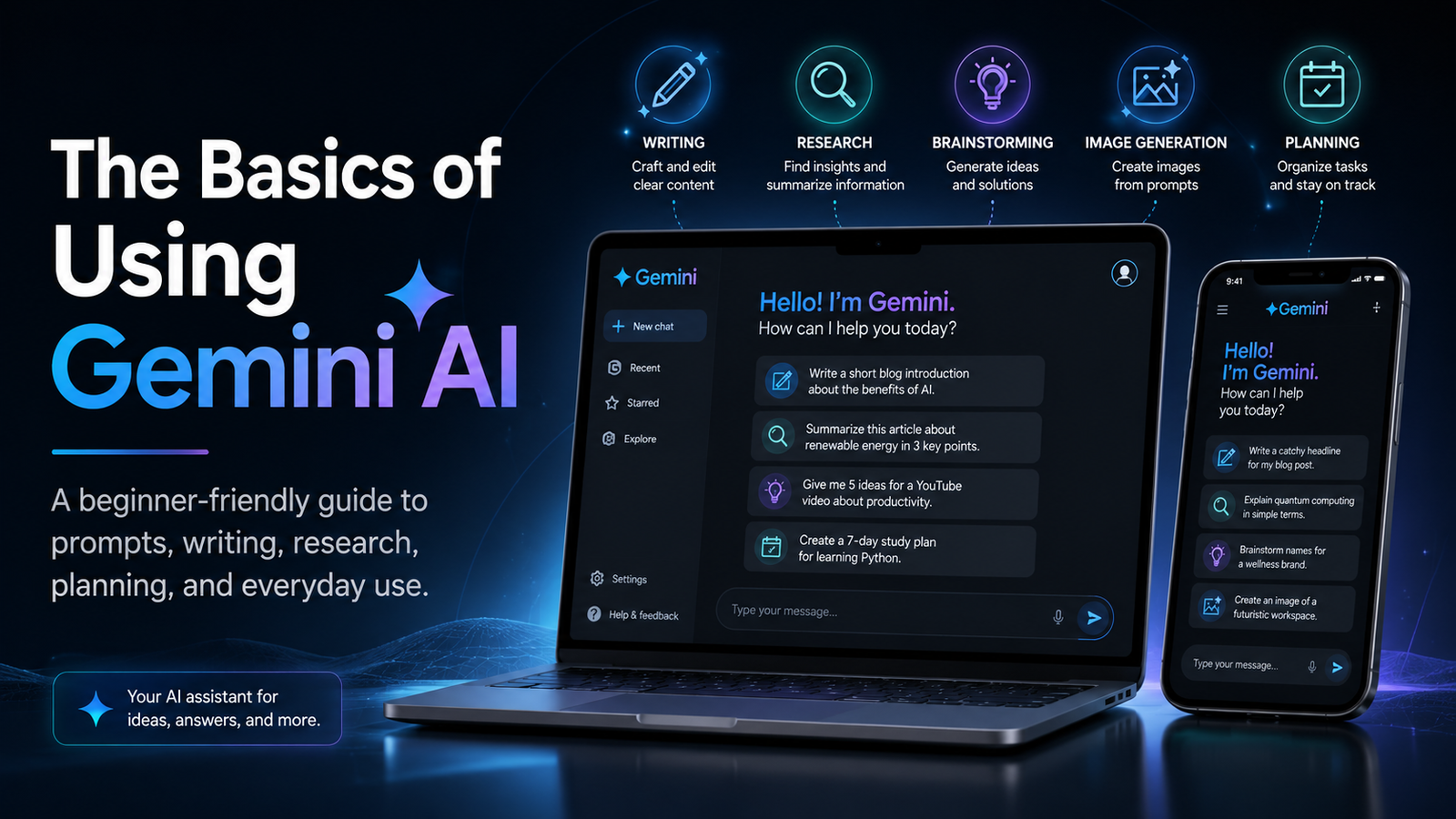
Gemini AI is Google’s artificial intelligence assistant. It can help you write, research, brainstorm ideas, summarize information, create images, plan projects, and answer questions in a conversational way. Instead of searching through a long list of websites yourself, you can ask Gemini a question and get a direct response that you can continue refining.
For beginners, the easiest way to think about Gemini is this: it is like having a digital assistant that can help you think through tasks, organize information, and create content faster.
What Can Gemini AI Do?
Gemini can help with many everyday tasks. You can use it to write emails, create outlines, summarize articles, explain difficult topics, plan trips, compare products, make lists, or come up with ideas for work, school, or personal projects.
For example, you could ask:
“What are three simple dinner ideas for this week?”
“Explain how Wi-Fi works in simple terms.”
“Write a professional email asking to reschedule a meeting.”
“Give me a blog outline about beginner photography tips.”
The better your request is, the better Gemini’s answer will usually be.
How to Start Using Gemini
To use Gemini, open the Gemini app or go to Gemini in your web browser. Once you are signed in with a Google account, you can type a question or request into the chat box.
You do not need to use special commands. Just write naturally, like you are talking to a person. Gemini will respond, and then you can ask follow-up questions to make the answer better.
For example, after Gemini writes something, you can say:
“Make it shorter.”
“Make it sound more professional.”
“Explain it like I am new to this.”
“Give me five more examples.”
This back-and-forth conversation is one of the most useful parts of using AI.
How to Write Better Prompts
A prompt is the message you type into Gemini. A basic prompt may work, but a more specific prompt usually gives you a better result.
Instead of asking:
“Write about laptops.”
Try asking:
“Write a beginner-friendly article about how to choose a laptop for college, including price, battery life, screen size, and storage.”
A good prompt usually includes what you want, who it is for, the tone, and the format.
For example:
“Write a short, friendly blog post for beginners explaining how to back up an iPhone. Use simple language and include step-by-step instructions.”
That gives Gemini much more direction.
Using Gemini for Writing
One of the easiest ways to use Gemini is for writing. It can help you write emails, blog posts, product descriptions, YouTube video ideas, social media captions, outlines, and summaries.
You can also use Gemini to improve something you already wrote. Paste your text into Gemini and ask it to rewrite, shorten, simplify, or make it more professional.
For example:
“Rewrite this paragraph so it sounds clearer and more natural.”
“Make this article introduction more interesting.”
“Turn this list of notes into a clean blog post.”
Gemini is helpful because it can give you a first draft quickly, but you should still review and edit the final version so it sounds like you.
Using Gemini for Research
Gemini can also help with research. You can ask it to explain topics, compare ideas, summarize information, or help you understand something complicated.
For example:
“What is the difference between public and private IP addresses?”
“Compare cloud storage and external hard drives.”
“What should I know before buying a used MacBook?”
However, you should not assume every AI answer is perfect. For important topics, especially medical, legal, financial, or technical information, double-check the answer with reliable sources.
Using Gemini With Images and Files
Depending on the version and features available to you, Gemini can also help with images and files. You may be able to upload a photo, document, or screenshot and ask Gemini questions about it.
For example, you could upload an image and ask:
“What is shown in this picture?”
“Summarize this document.”
“Pull out the main points from this file.”
“Help me understand this error message.”
This can be useful for reviewing documents, understanding screenshots, or getting quick summaries of long files.
Using Gemini for Planning
Gemini can be very useful for planning. You can ask it to create schedules, packing lists, project plans, workout ideas, meal plans, or travel suggestions.
For example:
“Create a 3-day packing list for a business trip.”
“Plan a simple weekly cleaning schedule.”
“Give me a step-by-step plan for starting a blog.”
You can also ask Gemini to organize ideas into tables, checklists, or timelines.
Be Careful With Personal Information
When using any AI assistant, be careful with sensitive information. Avoid sharing private details like passwords, Social Security numbers, banking information, or anything you would not want stored or reviewed.
You should also check your privacy settings and understand how your data may be used. This is especially important if you are using Gemini with a personal, work, or school account.
Final Thoughts
Gemini AI is a powerful tool for writing, learning, planning, researching, and brainstorming. The key is to be specific with your requests and keep the conversation going until you get the result you want.
For beginners, the best way to learn Gemini is simple: start asking it real questions from your daily life. Ask it to explain something, write something, summarize something, or help you plan something. The more you use it, the easier it becomes to understand what it can do.