
Computer Components
Explore a wide selection of essential computer components including processors, memory, motherboards, and storage drives to build or upgrade your PC with reliable, high-performance parts at TechSteal.
Showing all 20 results
TechSteal Smart FAQ
What types of processors are available in the Computer Components category?
How do I choose the right memory for my PC build?
What should I look for when selecting a motherboard?
What types of storage drives can I find?
Can I upgrade my existing PC with new components?
What is the warranty on the computer components sold at TechSteal?
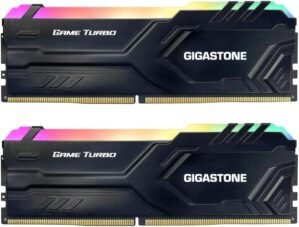
【RGB DDR4 RAM】GIGASTONE Game TU...
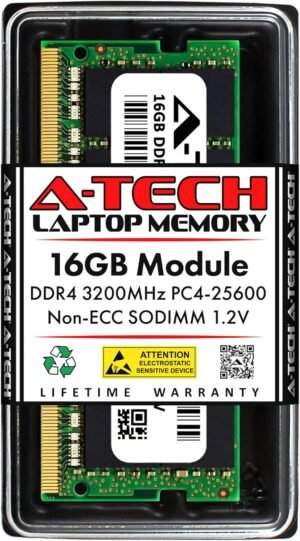
A-Tech 16GB DDR4 3200 MHz SODIMM PC...
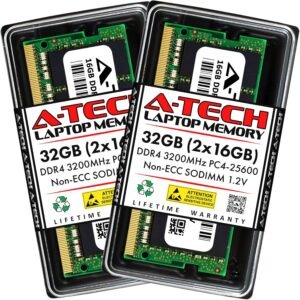
A-Tech 32GB (2x16GB) DDR4 3200 MHz ...
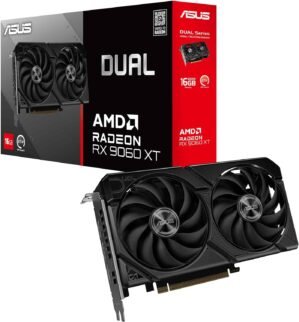
ASUS Dual Radeon™ RX 9060 XT 16GB...

ASUS Prime Radeon™ RX 9060 XT 16G...

ASUS Prime Radeon™ RX 9070 XT OC ...
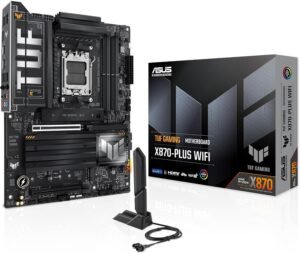
ASUS TUF Gaming X870-PLUS WiFi AMD ...
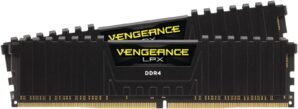
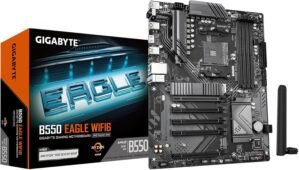
GIGABYTE B550 Eagle WIFI6 AMD AM4 A...
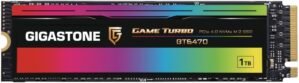
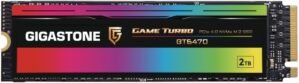
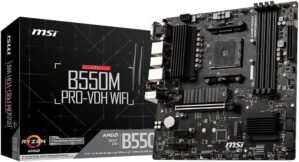
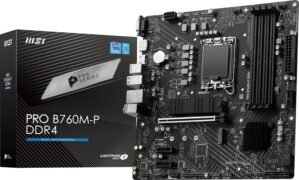
MSI PRO B760M-P DDR4 ProSeries Moth...
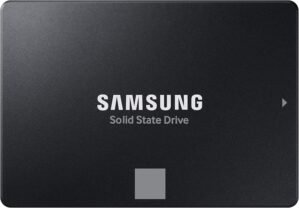
Samsung 870 EVO SATA III SSD 1TB 2....
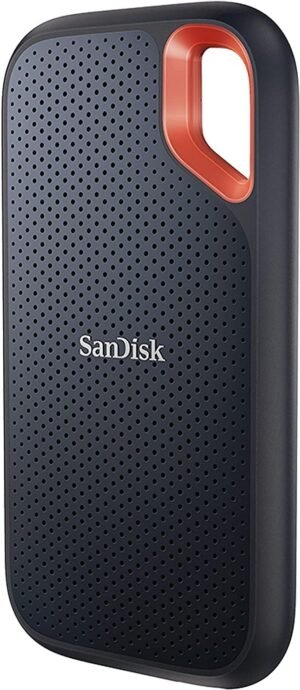
SanDisk 1TB Extreme Portable SSD &#...
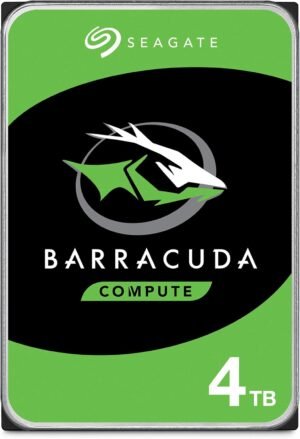
Seagate BarraCuda 4TB Internal Hard...
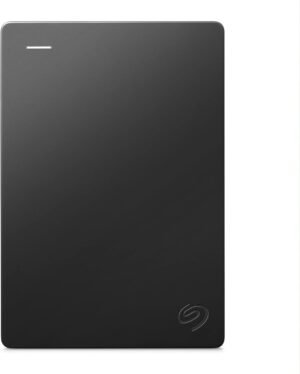
Seagate Portable 2TB External Hard ...
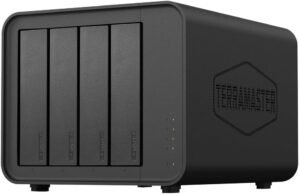
TERRAMASTER D4-320 External Hard Dr...
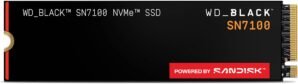
WD_Black SN7100 4TB NVMe SSD –...
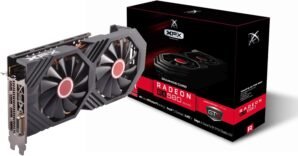
Welcome to our Computer Components category, your go-to place for building a new PC, upgrading an existing system, or replacing a part that’s holding you back. Whether you’re putting together a gaming rig, a content-creation workstation, or a reliable home/office desktop, the right components make all the difference in speed, stability, and long-term value. Here you’ll find essential parts across key sub-categories, including Graphics Cards, Hard Drives, Motherboards, RAM, and SSDs, with options suited to a wide range of performance needs.
This Computer Components selection covers the core hardware that determines how your system performs day to day. Graphics Cards handle rendering for games, 3D work, and GPU-accelerated creative apps. Motherboards serve as the foundation, defining CPU compatibility, expansion options, and connectivity. RAM impacts multitasking and responsiveness, especially when running multiple programs or large projects. For storage, SSDs deliver fast boot and load times, while Hard Drives provide cost-effective capacity for archives, media libraries, and backups. Choosing the right mix helps you balance performance, capacity, and future upgrade paths.
To choose confidently, start with your use case and confirm compatibility. Check your motherboard’s CPU socket and chipset support, then match RAM type (such as DDR4 or DDR5), supported speeds, and capacity needs. For storage, consider how much space you need now and later, and whether you want an SSD for your operating system and apps plus a larger hard drive for bulk files. For graphics, look at your monitor resolution and target frame rates, and verify your power supply wattage and available PCIe connectors. Also keep physical fit in mind—case clearance for GPUs, motherboard form factor (ATX, mATX, ITX), and available drive bays or M.2 slots.
- Compatibility first: confirm sockets, RAM generation, form factor, and interface types (PCIe, SATA, M.2).
- Performance goals: match GPU and RAM capacity to gaming, streaming, editing, or productivity workloads.
- Storage strategy: use SSDs for speed-critical tasks and hard drives for large, less frequently accessed files.
- Power and cooling: ensure your PSU and airflow can support higher-performance components.
- Upgrade planning: choose a motherboard with room for future RAM, storage, and expansion cards.
Explore our Computer Components category to find the right parts for a smooth, reliable build. With the right motherboard foundation, responsive RAM, fast SSD storage, ample hard drive capacity, and a capable graphics card, you can tailor a system that feels snappy today and remains easy to expand tomorrow.