
Apple’s move from Intel to Apple Silicon completely changed the Mac lineup. What started with the original M1 has now grown into a full family of chips: standard M-series chips for everyday users, Pro chips for serious work, Max chips for high-end creative workflows, and Ultra chips for workstation-class performance.
The tricky part is that not every M-series generation has the same chip lineup. Apple released M1, M2, and M3 Ultra chips, but there has not been an M4 Ultra. As of July 2026, M5, M5 Pro, and M5 Max have been announced, while M5 Ultra is still not broadly represented in public Geekbench averages. Because of that, this comparison uses available Geekbench 6 averages where possible and clearly marks estimated or unavailable scores. Geekbench’s Mac benchmark database reports average scores from uploaded user results, so real-world numbers can vary depending on the Mac model, cooling, memory configuration, macOS version, and benchmark version.
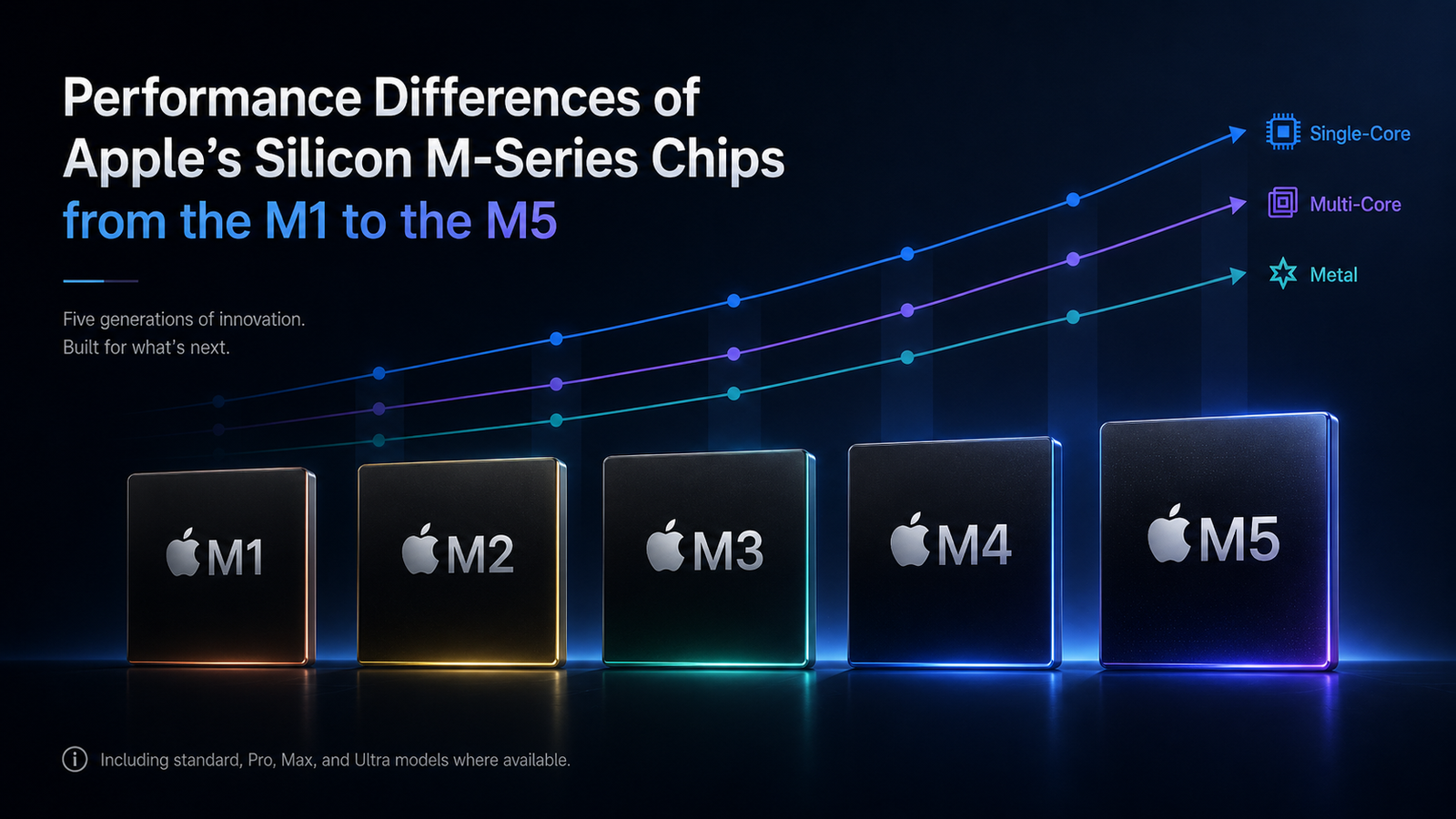
Apple M-Series Geekbench 6 Comparison
| Chip | Typical Top Configuration Used | Geekbench 6 Single-Core | Geekbench 6 Multi-Core | Geekbench 6 Metal | Rating |
|---|---|---|---|---|---|
| M1 | 8-core CPU / 8-core GPU | ~2,350 | ~8,300 | ~20,800 | 6.5/10 |
| M1 Pro | 10-core CPU / 16-core GPU | ~2,380 | ~12,300 | ~68,000 | 7.5/10 |
| M1 Max | 10-core CPU / 32-core GPU | ~2,380 | ~12,300 | ~116,000 | 8/10 |
| M1 Ultra | 20-core CPU / 64-core GPU | ~2,400 | ~18,460 | ~162,600 | 8.5/10 |
| M2 | 8-core CPU / 10-core GPU | ~2,600 | ~9,700 | ~28,900 | 7/10 |
| M2 Pro | 12-core CPU / 19-core GPU | ~2,660 | ~14,500 | ~83,000 | 8/10 |
| M2 Max | 12-core CPU / 38-core GPU | ~2,800 | ~14,900 | ~146,500 | 8.5/10 |
| M2 Ultra | 24-core CPU / 76-core GPU | ~2,780 | ~21,400 | ~225,000 | 9/10 |
| M3 | 8-core CPU / 10-core GPU | ~3,070 | ~11,700 | ~48,000 | 7.5/10 |
| M3 Pro | 12-core CPU / 18-core GPU | ~3,100 | ~15,260 | ~79,000 | 8/10 |
| M3 Max | 16-core CPU / 40-core GPU | ~3,150 | ~20,900 | ~156,000 | 9/10 |
| M3 Ultra | 32-core CPU / 80-core GPU | ~3,200+ | ~27,800 | ~245,000 | 9.5/10 |
| M4 | 10-core CPU / 10-core GPU | ~3,790 | ~14,700 | ~57,000 | 8.5/10 |
| M4 Pro | 14-core CPU / 20-core GPU | ~3,900+ | ~22,400 | ~112,000 | 9/10 |
| M4 Max | 16-core CPU / 40-core GPU | ~4,030 | ~26,200 | ~191,000 | 9.5/10 |
| M4 Ultra | Not released | N/A | N/A | N/A | N/A |
| M5 | 10-core CPU / 10-core GPU | ~4,223 | ~17,471 | ~76,000 | 9/10 |
| M5 Pro | 18-core CPU / 20-core GPU | Estimated ~4,300+ | Estimated ~28,000–30,000 | Estimated ~130,000+ | 9.5/10 |
| M5 Max | 18-core CPU / up to 40-core GPU | Estimated ~4,300+ | Estimated ~29,000–31,000 | Estimated ~220,000+ | 10/10 |
| M5 Ultra | Not broadly available in public averages yet | N/A | N/A | N/A | N/A |
The official Geekbench database shows the standard M5 MacBook Pro averaging 4,223 single-core and 17,471 multi-core, which is a huge jump over the original M1 and even faster in multi-core than many older Pro-class chips. For graphics, the same Geekbench Mac benchmark list shows the M5 around 76,000 in Metal, putting the base M5 ahead of older M1 Pro and close to some previous Pro-class GPU results.
What the Scores Actually Mean
Single-core performance is one of the biggest reasons newer Macs feel faster even when you are not doing heavy work. Opening apps, browsing, working in spreadsheets, editing photos, and moving around macOS are all helped by strong single-core speed. This is where M4 and M5 really pull away from the earlier generations. The original M1 was already fast, but the M5 is roughly in another class for everyday responsiveness.
Multi-core performance matters more when the Mac is doing serious work across many CPU cores. That includes video exports, code compiling, 3D rendering, large photo batches, software development, and heavy multitasking. This is where Pro, Max, and Ultra chips separate themselves from the standard chips. For example, the M1 Ultra still beats the base M5 in multi-core CPU performance, but the M5 is much faster in single-core performance. That means an older Ultra chip can still be a beast for big workloads, while a newer base chip can feel snappier for everyday work.
Metal scores focus on Apple’s GPU performance. This matters for video editing, 3D rendering, gaming, visual effects, AI-related GPU tasks, and creative apps that use GPU acceleration. The Max and Ultra chips dominate here because they have far more GPU cores and much more memory bandwidth. The M2 Ultra and M3 Ultra are still monsters in Metal performance, with Geekbench showing the M3 Ultra reaching roughly 245,000 in Metal and the M2 Ultra reaching over 220,000 depending on configuration.
Best Overall Apple Silicon Chips
If I had to rank the chips by overall performance, the M5 Max would currently be the most exciting high-end chip because it combines Apple’s newest CPU architecture with a large GPU and much stronger AI-focused graphics architecture. Apple says the M5 Pro and M5 Max use a new Fusion Architecture, include an 18-core CPU, scale up to a 40-core GPU, and deliver a major increase in AI compute compared with the previous generation.
The M3 Ultra remains one of the most powerful Apple Silicon chips available for workstation-class performance. It is especially strong in multi-core and GPU-heavy workflows, where Geekbench shows it above M4 Max and M2 Ultra in many categories. For people doing massive video projects, 3D work, AI workflows, or other workstation tasks, the Ultra chips are still in a different category from standard M-series chips.
The M4 Max is also one of the best chips Apple has made because it delivers outstanding CPU and GPU performance without needing an Ultra-class desktop. Geekbench shows the 16-core M4 Max around 26,000 in multi-core and over 190,000 in Metal in the Mac Studio, which is extremely strong for professional creative work.
Best Value Chips
For most people, the standard M4 and M5 chips are probably the best value. The M4 already delivers excellent single-core performance, strong multi-core performance, and much better graphics than older base M1 and M2 machines. The M5 takes that further, with Geekbench showing it at roughly 4,223 single-core and 17,471 multi-core in the 14-inch MacBook Pro. That means the base M5 is not just an everyday chip; it is powerful enough for many users who used to think they needed a Pro chip.
The M1 Pro is still a strong used or refurbished option, especially for people who want more ports, better sustained performance, and stronger GPU performance than a base M1 or M2. However, the gap between older Pro chips and newer base chips is shrinking. The M5 is a perfect example: it beats M1 Pro and M1 Max in single-core performance and can get surprisingly close in multi-core performance, though it still cannot match the larger Max and Ultra chips in GPU-heavy tasks.
Which Apple Silicon Chip Should You Buy?
For everyday users, students, office work, web browsing, light photo editing, and basic video editing, an M3, M4, or M5 is more than enough. The base M5 is especially impressive because it brings very high single-core performance and strong multi-core performance without needing a more expensive Pro or Max system.
For creators, programmers, YouTubers, photographers, and people who want a Mac to last for several years, the Pro chips are the sweet spot. M1 Pro and M2 Pro are still good refurbished buys, while M4 Pro and M5 Pro are much stronger choices if you want newer performance and more long-term headroom.
For serious video editors, 3D artists, developers, AI users, and professionals working with large projects, the Max chips are where Apple Silicon really starts to shine. M3 Max, M4 Max, and M5 Max are the chips to look at if GPU performance, memory bandwidth, and export speed matter.
For workstation-class users, the Ultra chips remain the top of the stack. M1 Ultra, M2 Ultra, and M3 Ultra are built for people who need extreme multi-core and GPU performance. They are not necessary for most buyers, but for the right workflow, they can save serious time.
Final Thoughts
The biggest takeaway is that Apple Silicon has improved in two different ways at the same time. The base chips have become much faster, especially in single-core performance, while the Max and Ultra chips have pushed GPU and multi-core performance to workstation levels.
The original M1 is still usable today, but the M4 and M5 generations show how far Apple Silicon has come. The M5 is especially impressive because it gives mainstream Mac users performance that used to feel reserved for higher-end machines. But for people doing serious creative, development, or AI work, the Pro, Max, and Ultra chips still matter because they bring more CPU cores, more GPU cores, more memory bandwidth, and better sustained performance.
Overall, the best chip depends on the user. The best value is probably M4 or M5. The best high-end portable chip is M5 Max. The best current workstation-class chip is M3 Ultra. And the best used/refurbished deal may still be an M1 Pro or M2 Pro MacBook Pro, depending on price.