
One of the most common questions MacBook owners ask is whether leaving their laptop plugged in constantly will damage the battery. Years ago, this was a real concern with older battery technologies, but modern MacBooks are much smarter than many people realize. Today’s MacBooks use advanced lithium-ion batteries combined with sophisticated battery management software designed specifically to prevent overcharging and reduce long-term battery wear. In most cases, leaving your MacBook plugged in is completely safe.
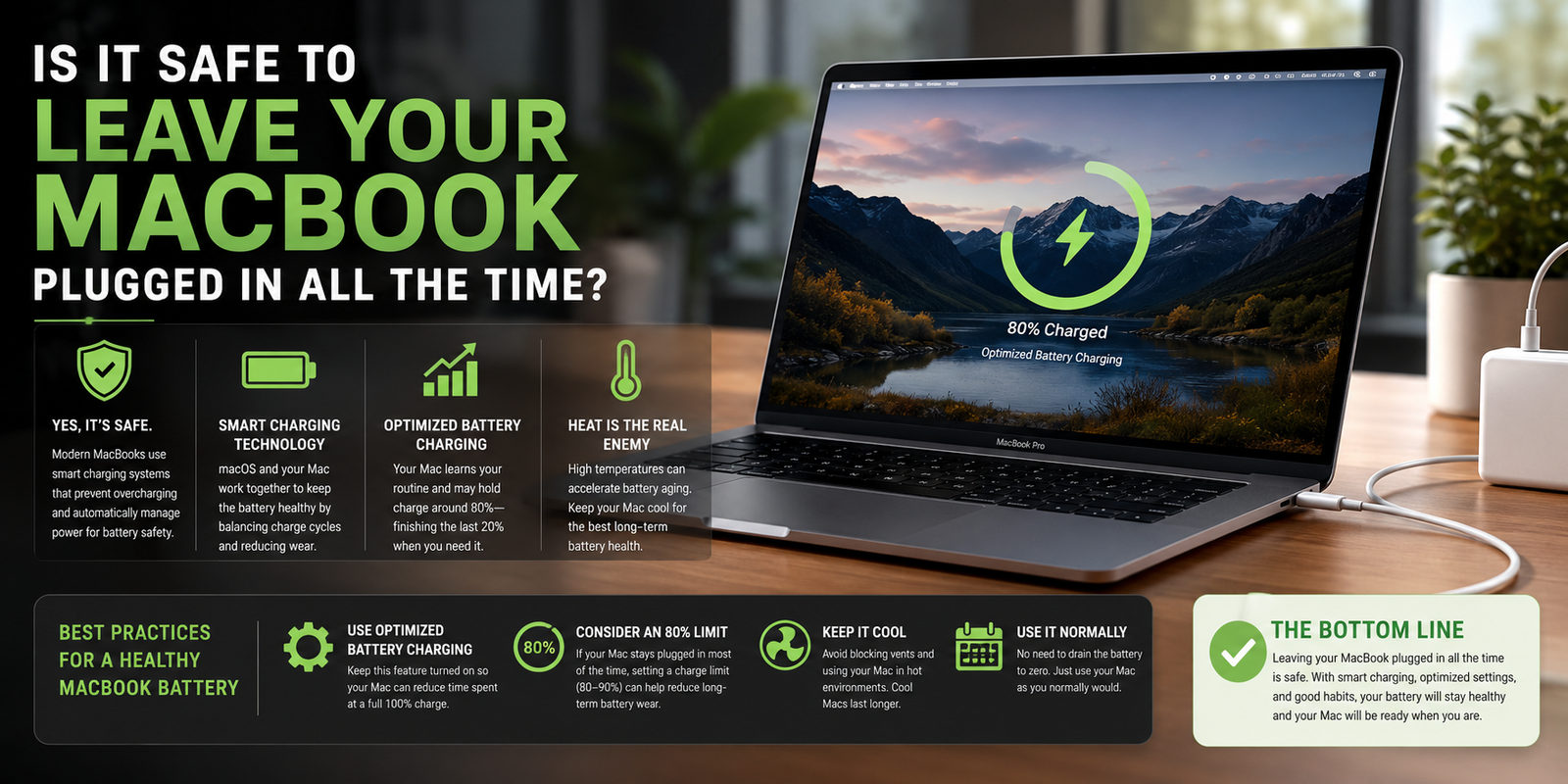
A modern MacBook does not continuously “pump” power into the battery once it reaches 100%. Instead, the charging system intelligently manages power delivery and can bypass the battery entirely while running directly from the power adapter. Apple’s charging controllers are designed to stop charging when necessary and maintain the battery safely. That means you generally do not need to worry about “overcharging” your MacBook in the traditional sense. Apple even states that modern lithium-ion batteries are designed for long life and intelligent charge management.
However, there is an important detail many people overlook: while overcharging is not the issue anymore, battery aging still exists. Lithium-ion batteries naturally degrade faster when they remain at very high charge levels for long periods of time, especially when combined with heat. In other words, keeping a MacBook sitting at 100% charge 24 hours a day for months or years can slowly increase chemical wear on the battery compared to more moderate charging behavior. This does not mean you should panic if your MacBook stays plugged in at your desk most days, but it does explain why Apple introduced features like Optimized Battery Charging.
Apple’s Optimized Battery Charging feature is specifically designed to reduce this wear. On newer versions of macOS, the system learns your charging habits and may hold the battery around 80% for extended periods before topping it off shortly before you are likely to unplug the computer. This helps reduce the amount of time the battery spends fully charged, which is healthier for long-term lifespan. Apple says this feature is intended to reduce chemical aging and extend battery longevity.
If you mostly use your MacBook like a desktop computer and it rarely leaves your desk, newer versions of macOS even allow manual charge limits. Many users now choose to keep their MacBook capped around 80% to 90% during constant plugged-in use. This approach can help reduce long-term battery degradation even further. While the difference may not be dramatic for everyone, keeping a lithium-ion battery away from maximum charge for extended periods is generally considered healthier for battery chemistry.
Heat is actually a bigger enemy of battery health than being plugged in itself. High temperatures accelerate battery aging significantly. If your MacBook frequently becomes very hot while connected to power — especially during gaming, video rendering, AI workloads, or heavy exporting — the battery may age faster over time. Keeping vents clear, avoiding direct sunlight, and using the laptop on a hard surface instead of a blanket or couch can help maintain healthier temperatures.
There is also an old myth that you must regularly drain your MacBook battery to near zero to “exercise” it. That advice applied to much older battery technologies, not modern MacBooks. Apple’s current battery systems do not require regular full discharges for calibration or health. In fact, repeatedly draining lithium-ion batteries to extremely low levels can create more stress than simply using the computer normally. Occasional battery use is fine and healthy, but constant deep discharging is unnecessary.
So what is the best thing to do? For most people, the answer is simple: use your MacBook normally and let macOS manage the battery. If you work at a desk most of the time, keeping it plugged in is perfectly acceptable, especially with Optimized Battery Charging enabled. If you want to maximize long-term battery lifespan, try to avoid excessive heat and consider using an 80% charge limit if your MacBook spends nearly all day on a charger. But ultimately, MacBooks are engineered to handle plugged-in use safely, and most users will replace or upgrade the computer long before battery management becomes a serious issue.